 Auricast Manuals
Now Playing And Outside Sources
Now Playing
Setup → Now Playing (Admin) writes what is playing to files, for a website, an RDS encoder or a sign.
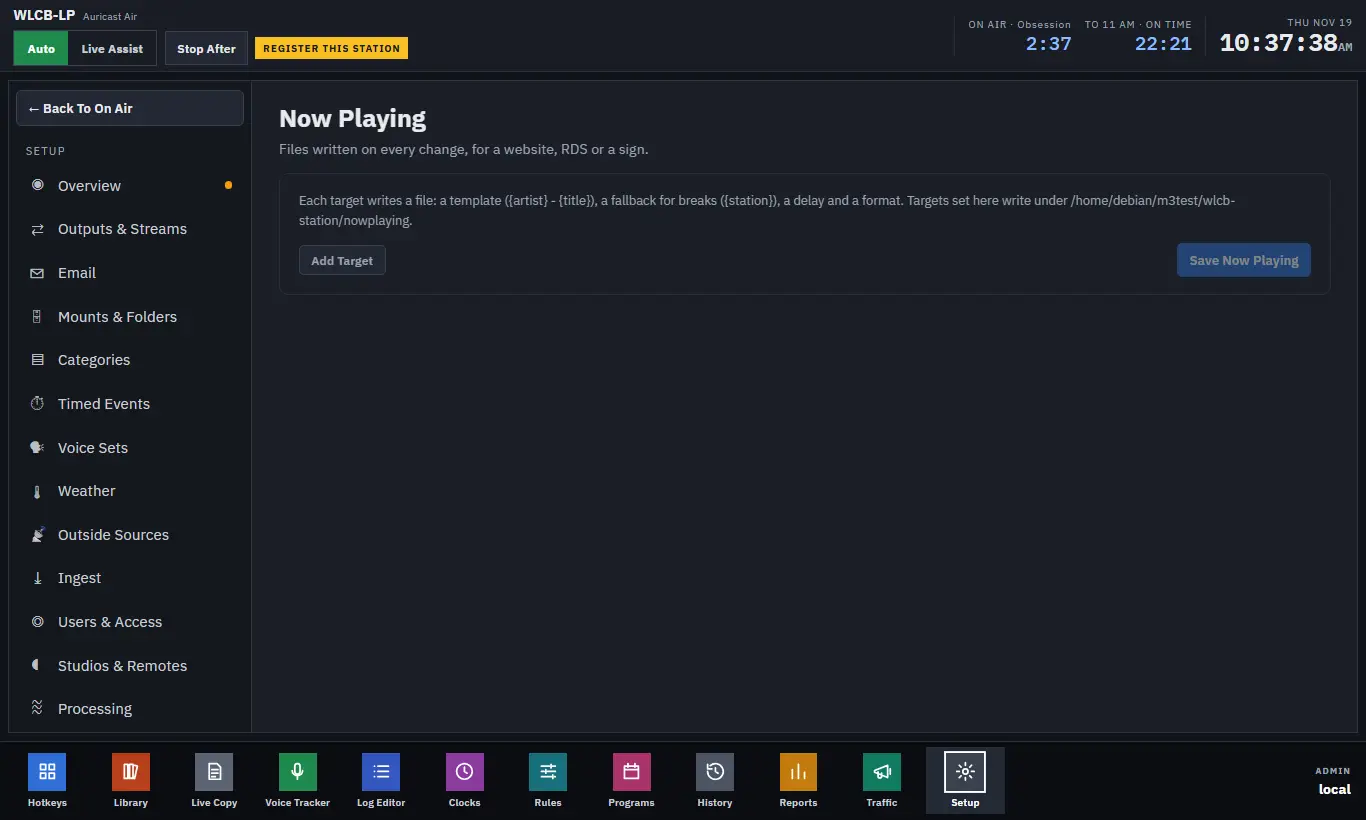
Each target is one file. Press Add Target to make one, and Save Now Playing when you are done.
| Setting | What it does |
|---|---|
| File | Where the file is written. Targets made here go under the station's now-playing folder by default |
| Template | What the line says. Use {artist} and {title}, and also {category}, {year}, {length} and {station}. The default is {artist} - {title} |
| Fallback | What to write instead in breaks, imaging and spots, for example {station}. Leave it empty to keep the last song showing |
| Delay (s) | Waits longer before writing, for a delayed stream |
| Format | text (one line) or json (title, artist, category, year, length, start time and the text) |
Now Playing follows Program 1, which is what goes to the transmitter. Music and programs show by name. Anything in a break, or in a category marked not to show (imaging, spots), shows the fallback. A file changes at the moment the item is heard, plus its delay.
A file is written in one step, so a reader never sees half a title. A web server or a sync can serve it as a URL.
Outside Sources
Setup → Outside Sources (Program Director or Admin) lists streams that a clock's Join step can put on air for a time: network news at the top of the hour, a ball game, a satellite programme.
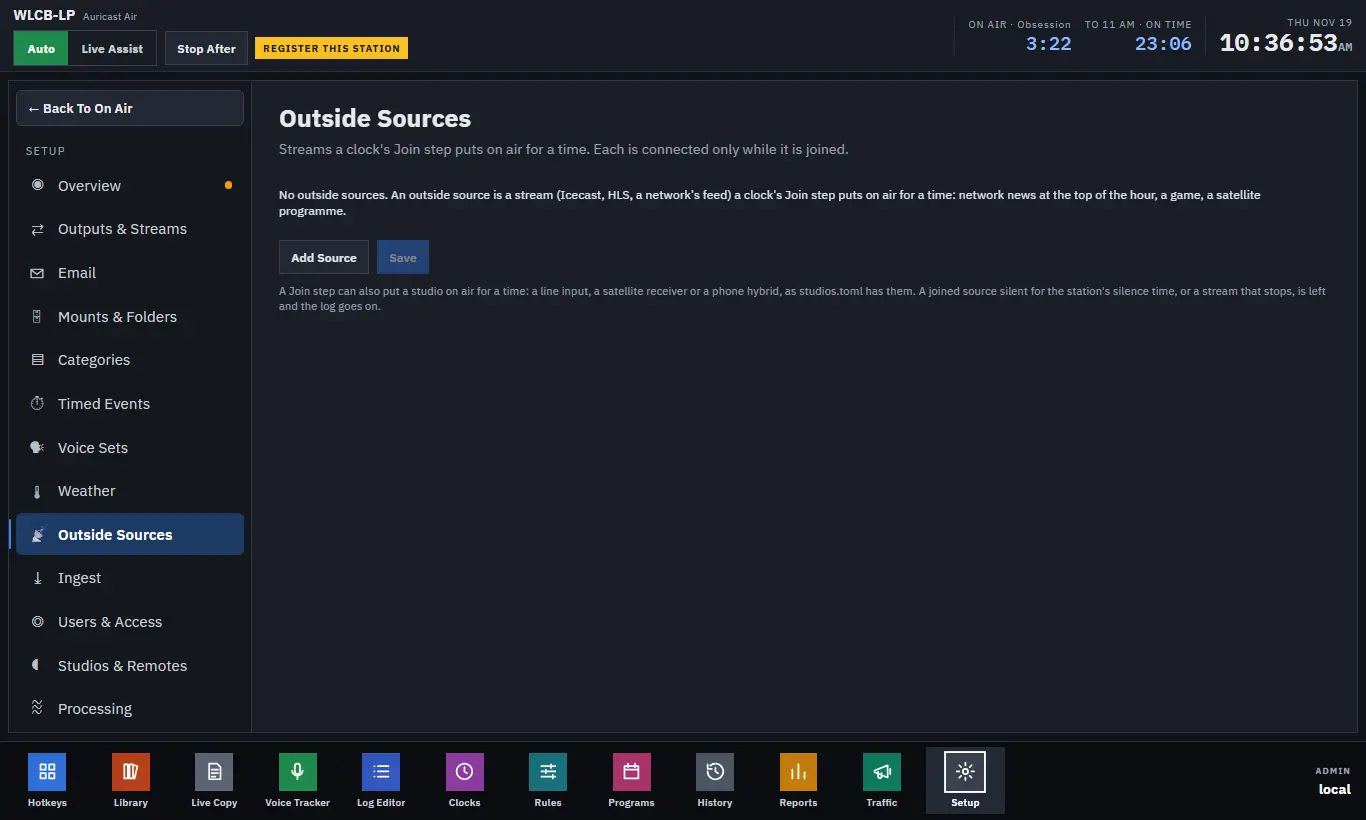
Each source has:
| Setting | What it does |
|---|---|
| Name | What the Join step picks |
| URL | The stream's address (Icecast, HLS or anything a normal player can open) |
| Level | A level adjustment from −30 to +20 dB, to match it to your own audio |
Press Add Source, fill in the row, then Save. A source takes effect without a restart. Undo Changes drops what you have not saved, and ✕ removes a source.
An outside source is connected only while it is joined, so nothing is fetched between joins. It takes a second or two to connect at the start.
A Join step can also put a studio on air for a time, such as a line input, a satellite receiver or a phone hybrid; the page lists the studios that can be used.
If The Source Fails
If a joined source is silent for the station's silence time, or its stream stops, Auricast leaves it and the log carries on, and an alert is mailed unless the source ended early as the step allowed. Building the Join step in a clock is covered in the Program Director's manual.