 Auricast Manuals
Actions and Break Notes
Some steps play no audio. They do something, or tell the operator something, at a point in the hour. Add them in a clock like any other step. They take no fixed time of their own: they ride with the next item that plays and fire when that item starts. If that item is dropped, they still fire.
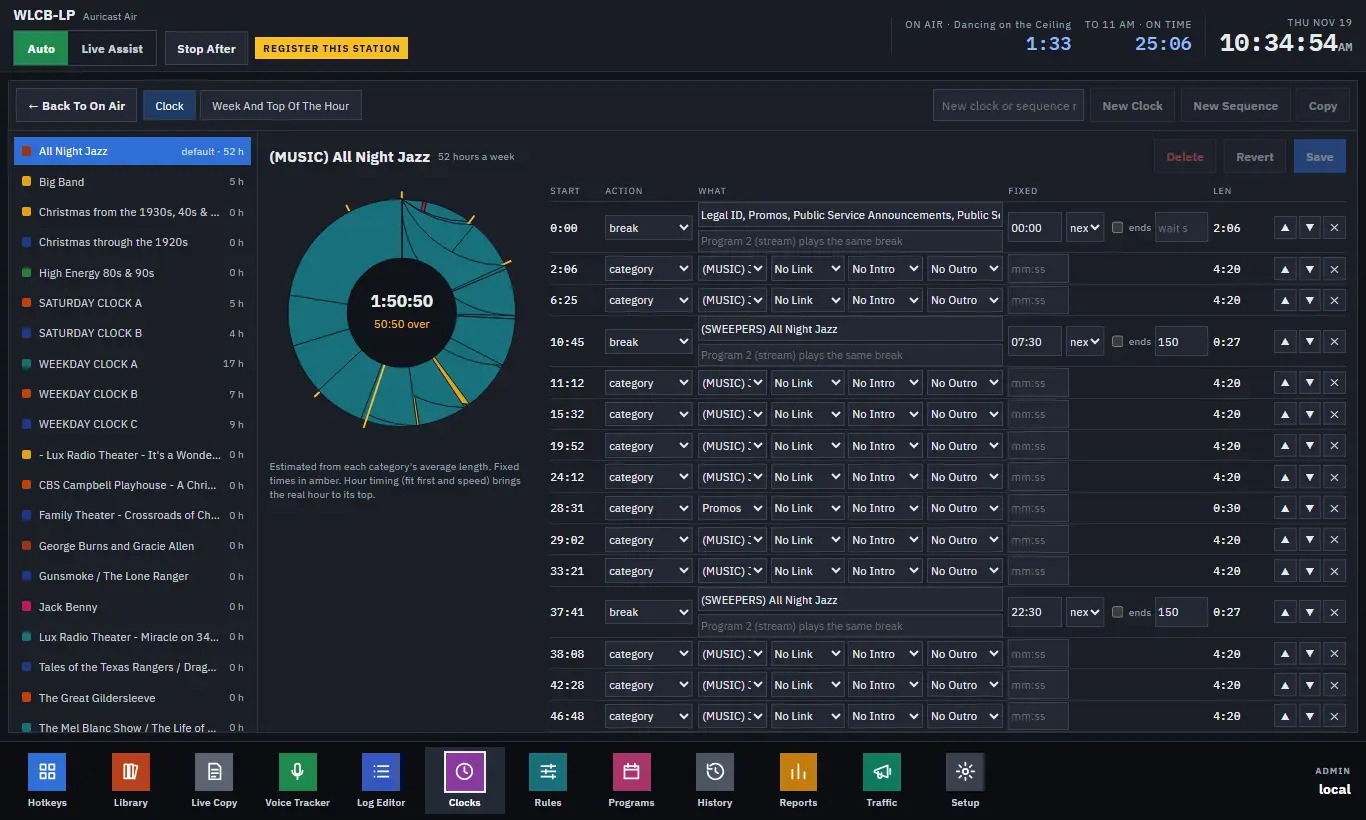
The actions
| Step | What it does |
|---|---|
| record | start or stop a recording of the air signal. |
| studio | Turns a named studio on or off. |
| udp | Sends a UDP packet: Host, Port and a Payload (text, with \r and \n for line ends; hex payloads are kept if a clock has them). |
| tcp | The same over TCP. |
| script | Runs a program from the station's scripts/ folder, with Arguments and a Time limit (10 seconds by default, at most 300). |
| http | An HTTP Request: GET, POST or PUT to a URL (with a Body for POST and PUT). The reply's status is logged, and anything but a 2xx is an error. |
Use them for things like switching a studio, telling an RDS encoder or a website what is playing, or firing an external device.
Scripts and requests never hold up the air
Playout never waits for a script or a request. Each runs on its own, a script that fails or runs past its limit is logged and alerted, and a script that hangs holds up no other action. A script must be in the station's scripts/ folder, with no shell involved. Program Directors and Admins can add them because they edit clocks, but a script runs on the station's computer, so treat the folder as a controlled place.
note: a break note
A note plays nothing. It is text for the operator, such as "Read the Rotary Club PSA live". It is shown in the On Air log as a bar above the item it comes before, and in the Log Editor as a note row. It is recorded in the as-aired log as the item starts.
A note never stops playout. In Auto and in Live Assist it is simply passed, and its companion actions fire. If the station joins an hour late, a note that has already passed is not shown again.
Put a note and an action together by placing them one after the other before the same item.
Where else you can use them
The same notes, HTTP requests and scripts can be put in a Timed Event, so a daily action does not have to be built into every clock (The Week Grid, Dated Hours and Timed Events).