 Auricast Manuals
Steps That Play Audio
Besides a plain category, break or file, a clock has several steps for audio that comes from somewhere else or is picked in a special way. Add them with the Add: buttons on the Clocks screen.
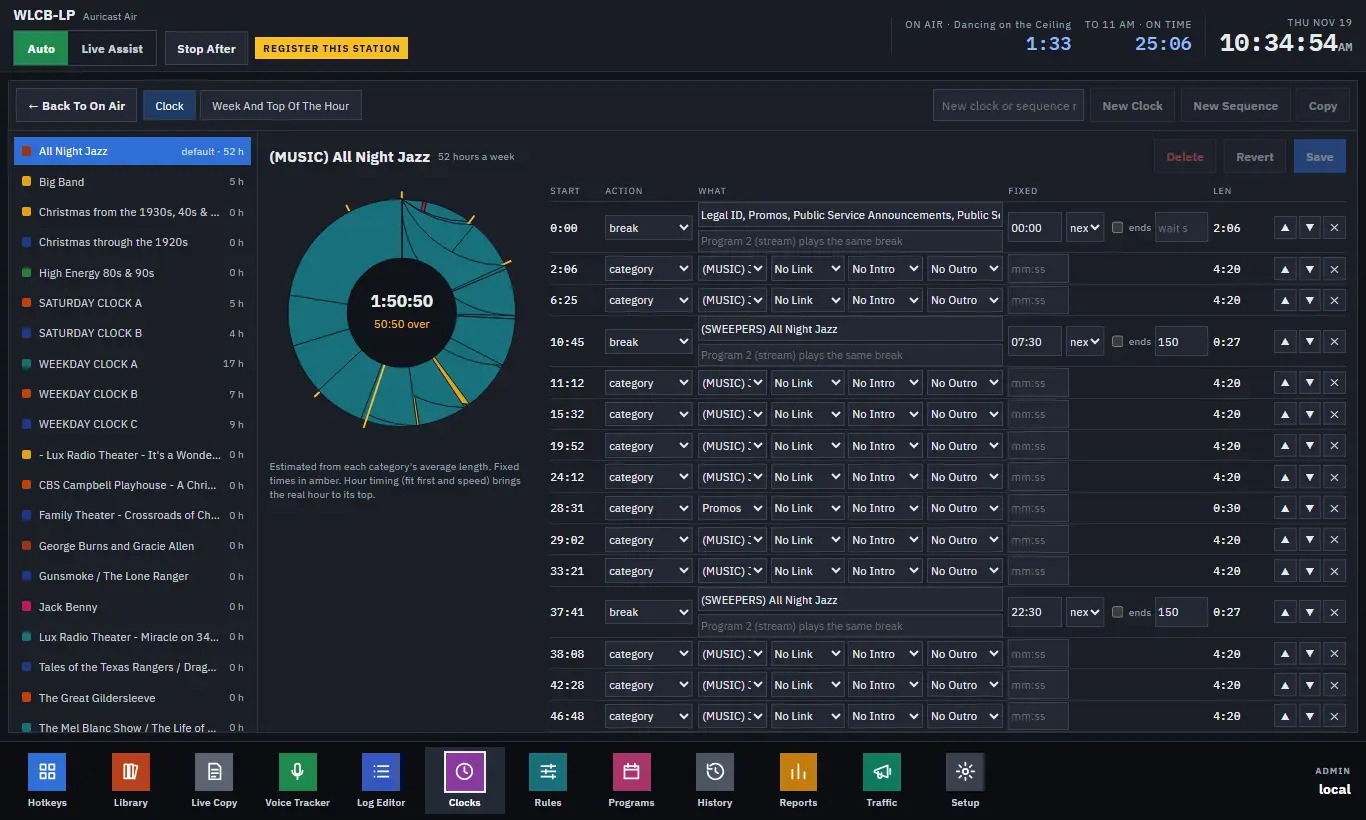
latest: the newest file in a folder
Plays the newest file in a library folder, such as the latest hourly newscast that arrives by upload or FTP.
| Setting | What it does |
|---|---|
| Folder | A folder in the library. Only files the library has (and has measured) count. |
| New for minutes | How old a file may be and still count as new. Empty means any age. |
| By Time / By Name | Newest by the file's own time, or by the date in its name (News_2026-11-18_15.mp3). |
| Else The Last One / Else A Category / Else Skip | What to do when nothing is new. |
When nothing new is found, the step plays the fallback, the item is noted nothing new in that folder, and an alert is mailed as it airs. The newest file is chosen when the planner reaches the step and again whenever the library changes, so a file dropped in before air time is used.
series: the next episode each time
Plays the next episode of a series each time the step airs, for a weekly drama of 52 episodes in a folder, one each Sunday.
| Setting | What it does |
|---|---|
| Folder | The folder of episodes. |
| Order | By Name, By Name, Last First, or Random, No Repeats. |
| At The End | Again starts over; Stop plays nothing more (then the fallback). |
| Else Skip / Else A Category | What to play when none is left. |
| Next | Shows the episode that plays next, and lets you change it. In name order, those before it count as aired. |
The place moves on when an episode airs, not when it is planned, so an hour that gets dropped does not lose an episode.
join: outside audio for a time
Puts a source on air: a studio input (a satellite receiver, a phone hybrid) or an outside source, which is a stream URL such as a network feed. Add outside sources in Setup → Outside Sources (name, URL, level); both they and studios then appear in the step's Source list.
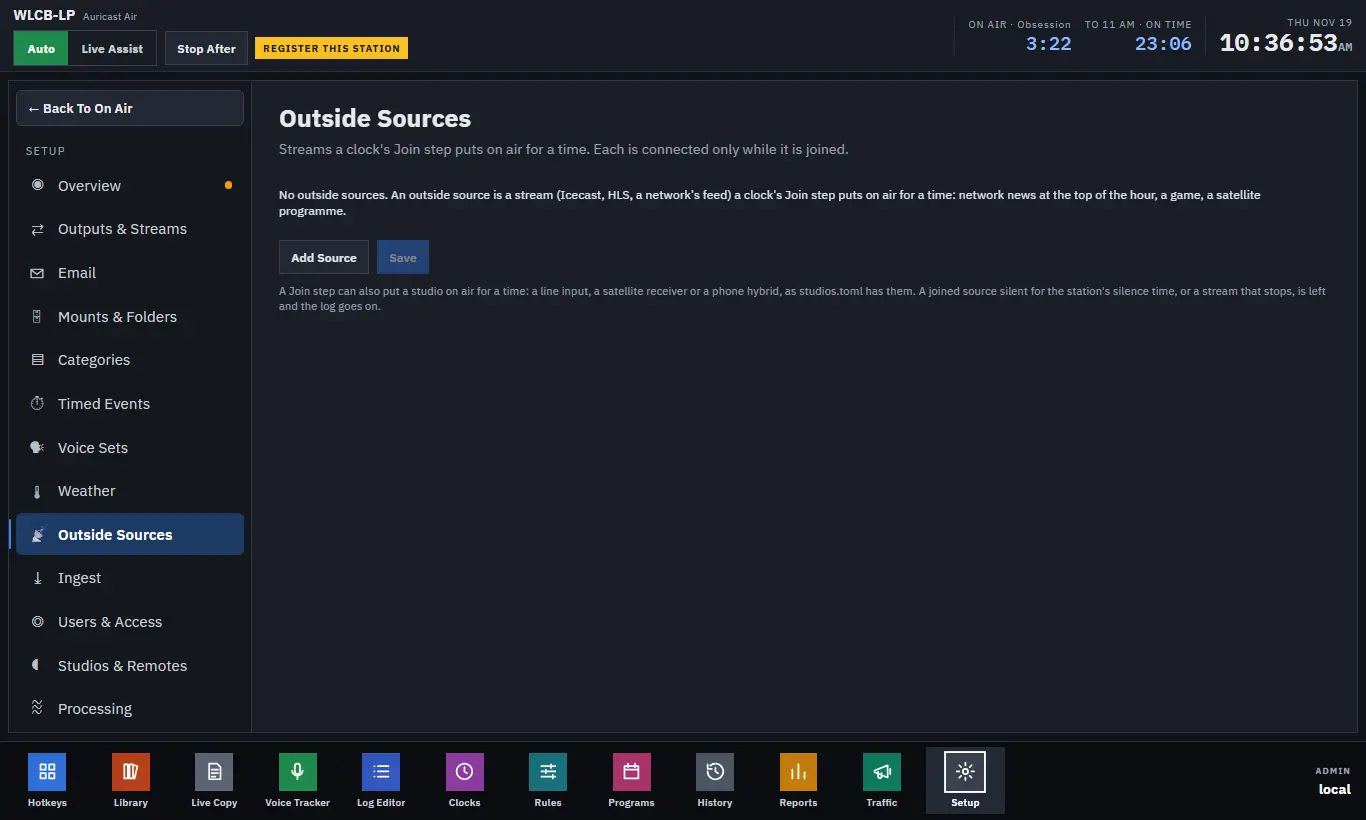
| Setting | What it does |
|---|---|
| Source | The studio or outside source. |
| For / Until | For a number of minutes, or Until a time in the hour (mm:ss), such as a network newscast to :05:00. |
| Ends Early | A stream that stops is the program's end, not a failure: no alert. |
While joined, the music stops and the source plays. Auricast watches it: if it falls silent past the station's silence time, or a stream ends (and Ends Early is off), it leaves the source, the log goes on at once, and an alert headed "Left" followed by the source's name is mailed. A stream takes a second or two to connect at the start. The as-aired log records the source's name and how long it was on. A stream is connected only while joined.
If you want music under a feed, use a studio rather than a join.
date_pick: today's track
Takes, from a category, the track matched to today. Auricast looks in the track's title and album for today's date ("11-18", "11/18", "November 18", "18 November"), else today's weekday, else today's month. Among the matches, the category's rules and rotation choose. When nothing matches, Else Any Of It plays another track from the category (noted "nothing matched to today"), or Else Skip.
pair: two from one artist
Picks a track whose artist has another in the category, then plays that other one straight after. They are labeled pair 1/2 and pair 2/2 in the log. The separation rules count the two as one appearance of the artist. If no artist has two that may play, one track from the category plays instead.